

My tasks
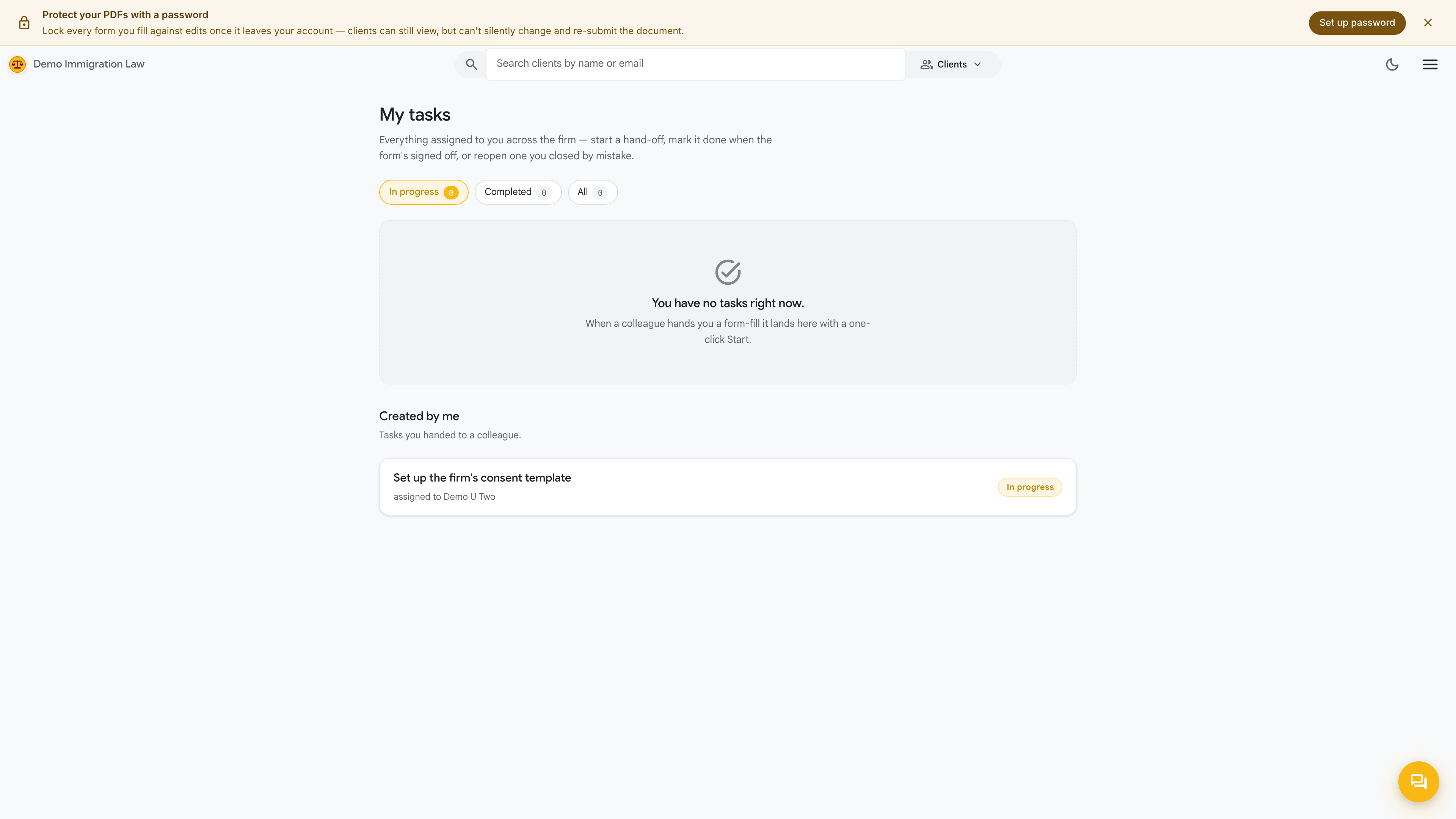
My tasks is your personal queue. Instead of hunting through clients to find what’s waiting on you, everything assigned to you — across every client and every job — collects in one place. It’s the first page most attorneys and paralegals open each morning.
What lands here
Section titled “What lands here”Your queue gathers the work items routed to you as jobs move through the firm. Typically that includes:
- Intake reviews — a client has submitted their information and it needs your eyes before the case moves on.
- Firm-answered questionnaires — questionnaires routed to the firm rather than the client, waiting for someone on your team to fill in.
- Sign-offs — work that’s drafted and waiting for your review or approval before it goes further.
Each task shows the client it belongs to and what’s being asked, so you can triage the queue without opening every item.
Completing a task
Section titled “Completing a task”Open a task to see the full ask and everything you need attached to it. Do the work — review the intake, answer the questionnaire, approve the draft — and mark it complete. Completing a task moves the job it belongs to forward and clears the item from your queue.
My tasks vs. the Workflow dashboard
Section titled “My tasks vs. the Workflow dashboard”My tasks is your work — the items assigned specifically to you. The Workflow dashboard is the firm-wide view that owners and admins use to see everyone’s work at once. If you’re an attorney or paralegal, live in My tasks; if you’re managing the practice, the Workflow dashboard is your vantage point.
Was this page helpful?
Thanks — noted.