

Email & consent templates
Two settings pages let you put your firm’s voice and brand on the documents and messages that reach clients: Email templates for outbound email, and Consent templates for the documents clients sign. Both support merge fields so a client’s details drop in automatically.
Email templates
Section titled “Email templates”Open Administrative → Email templates.
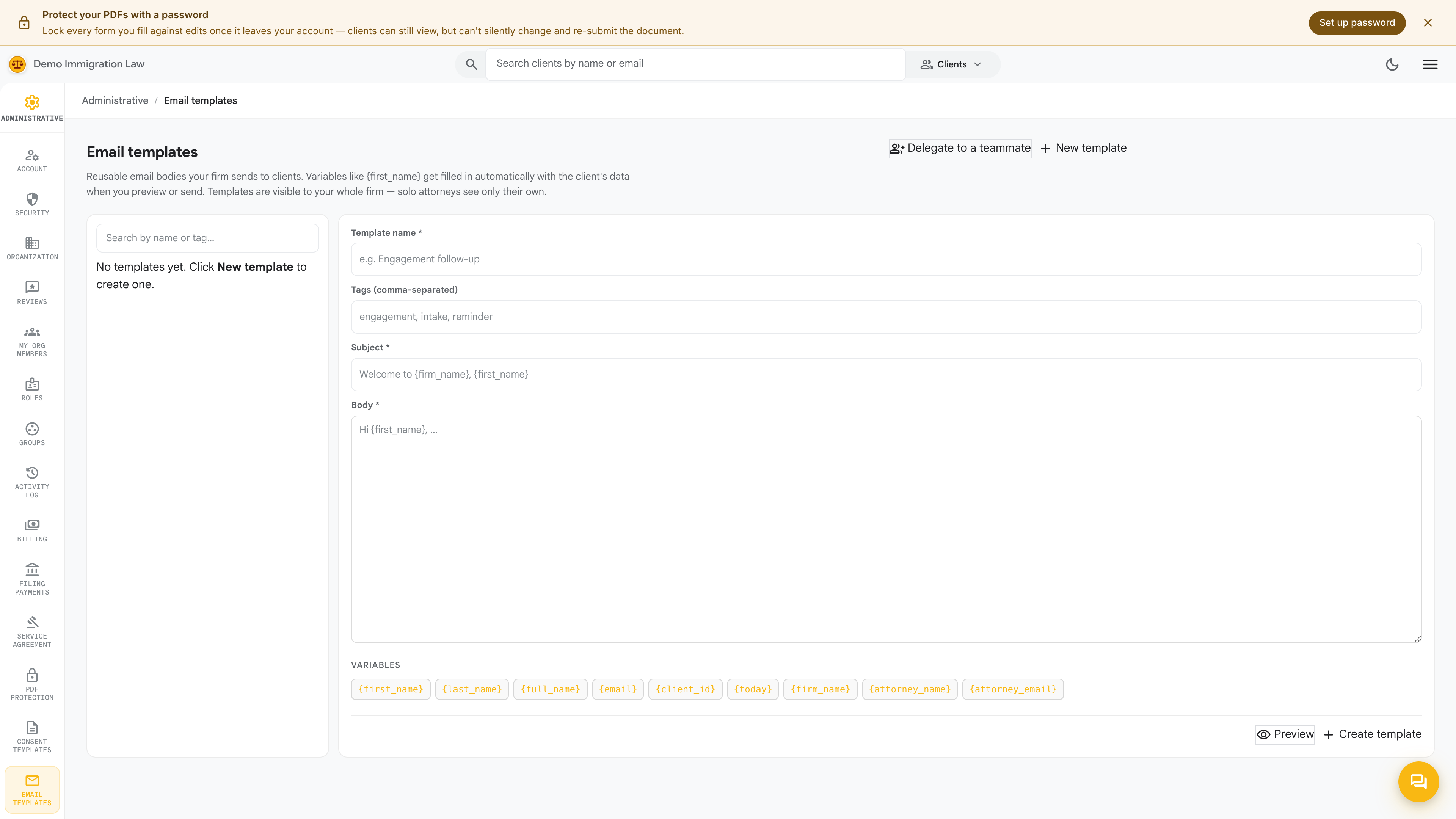
These are the outbound emails your firm sends clients. Each is
template-driven with merge fields like {{client_first_name}},
{{case_name}}, and {{appointment_date}}. The defaults are
plain-English starters; customize the body, the from-name, and the
reply-to per template so every message reads as your firm.
Templates worth customizing first:
- Intake request — sent when you generate an intake link for a client.
- Document request — when you’re asking for a passport scan, tax return, or other evidence.
- Case status update — your standard “here’s where we are” check-in.
- Filing confirmation — sent when you finalize a USCIS filing.
You don’t have to customize all of them at once. The defaults work; come back as you settle on your firm’s voice.
Consent templates
Section titled “Consent templates”Open Administrative → Consent templates.
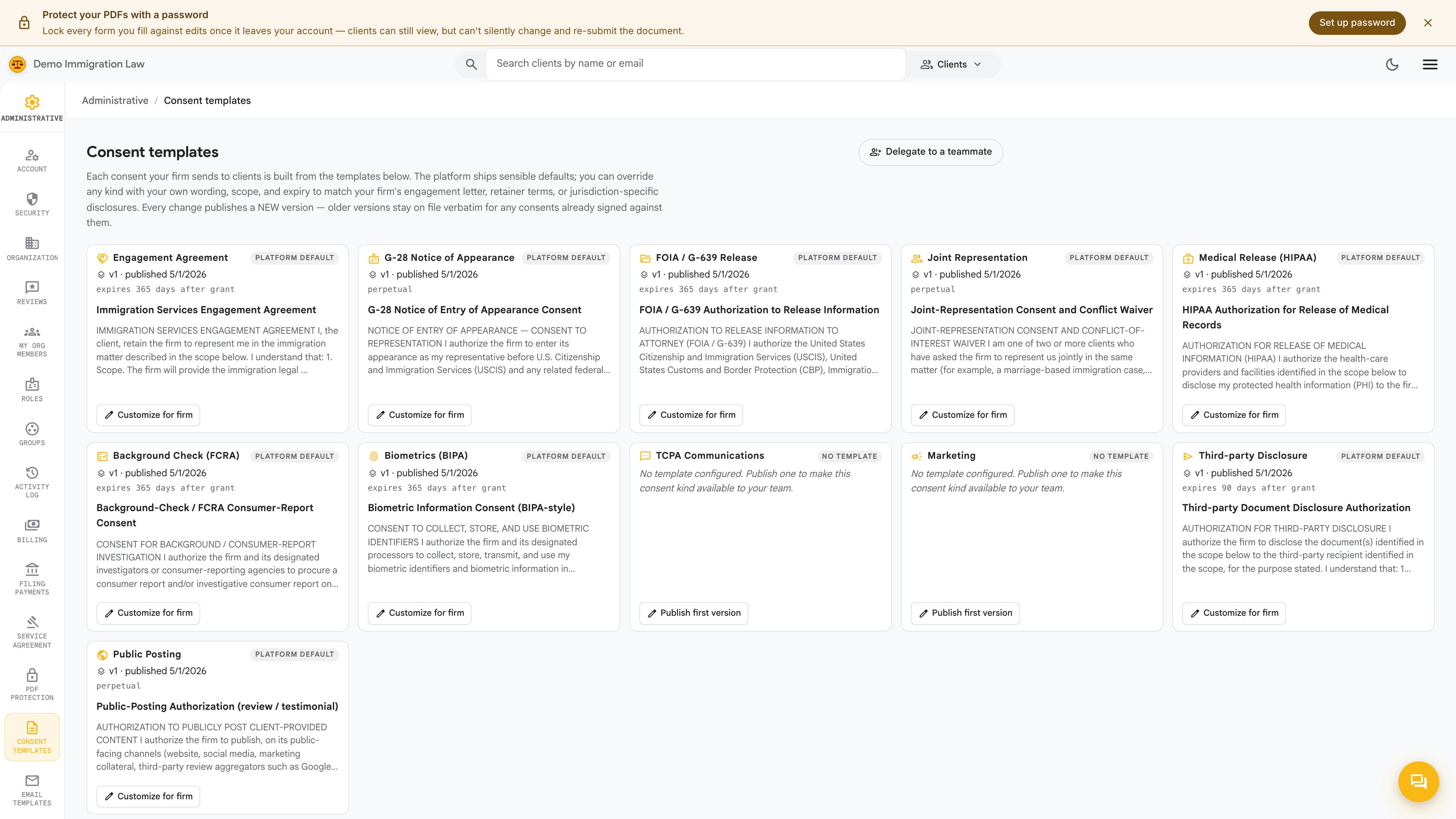
Consent templates are the firm-to-client documents your clients sign — engagement letters, scope-of-work, retainer agreements, fee schedules, translator certificates. A starter set covers the most common practice needs:
- General engagement letter
- Limited-scope representation
- Flat-fee fee agreement
- Hourly fee agreement
- Translator certificate
Edit any of them, mark some active and others inactive, or add your own custom templates. Like email templates, they carry merge fields so client and case details fill in per signing.
When a client signs — a drawn signature on a canvas pad — the completed PDF lands on that client’s Documents tab, bound to that specific client.
Branding carries through automatically
Section titled “Branding carries through automatically”You don’t set logos or colors on these pages. Both email and consent templates inherit your firm’s brand from the Organization page — so when you update your logo or accent color there, every template picks it up without re-editing.
Was this page helpful?
Thanks — noted.