

Your first client
A “client” in Fola is a single structured record that holds identity, family, employment, immigration history, and disclosures — everything every form pulls from. Today we add your first one.
Adding a client
Section titled “Adding a client”There are two ways in:
- Click New client from the nav menu, or
- Open the Clients list and click New client in the top-right.
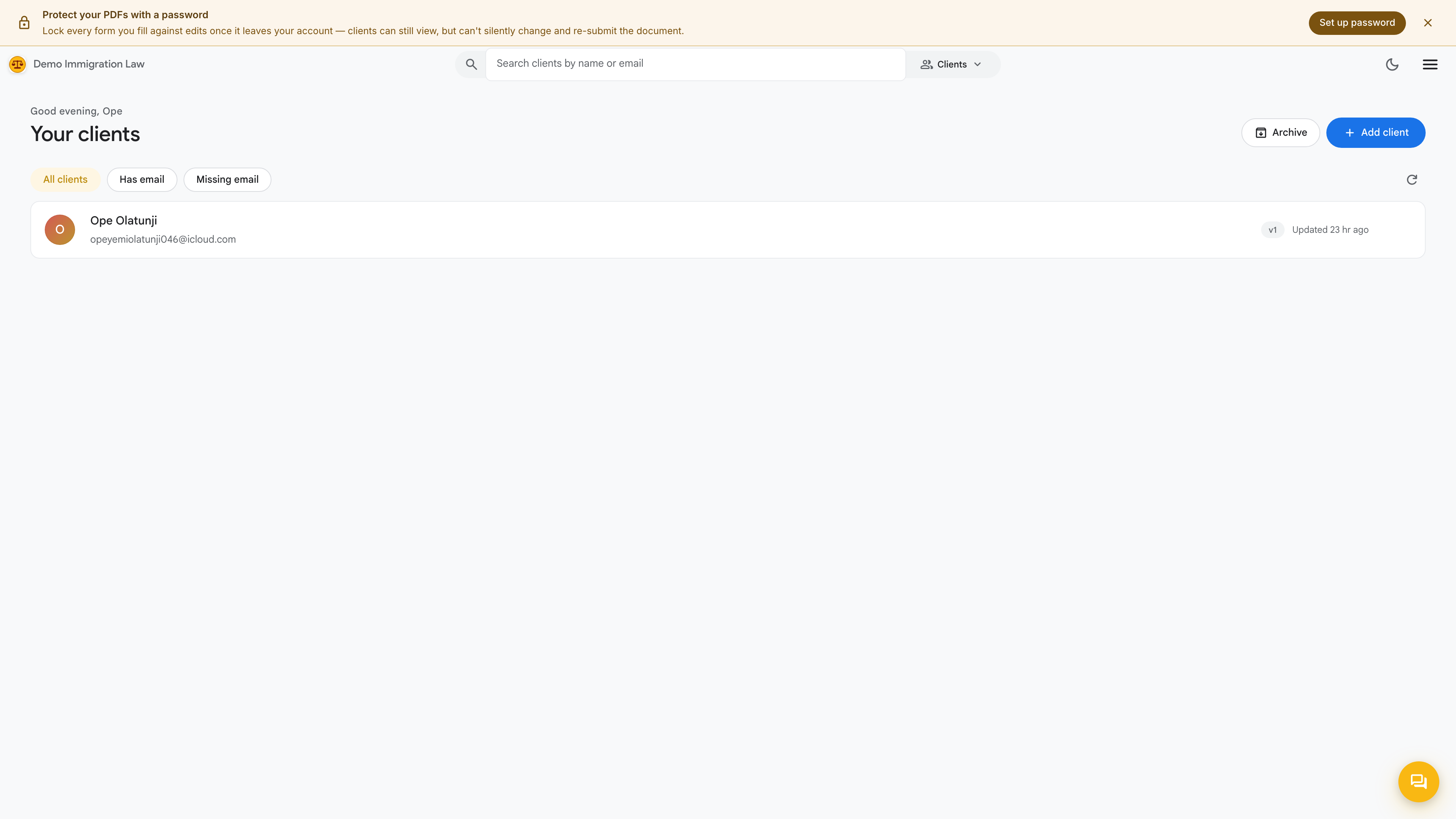
For a brand-new firm the list is empty. Either entry point takes you to the same add flow.
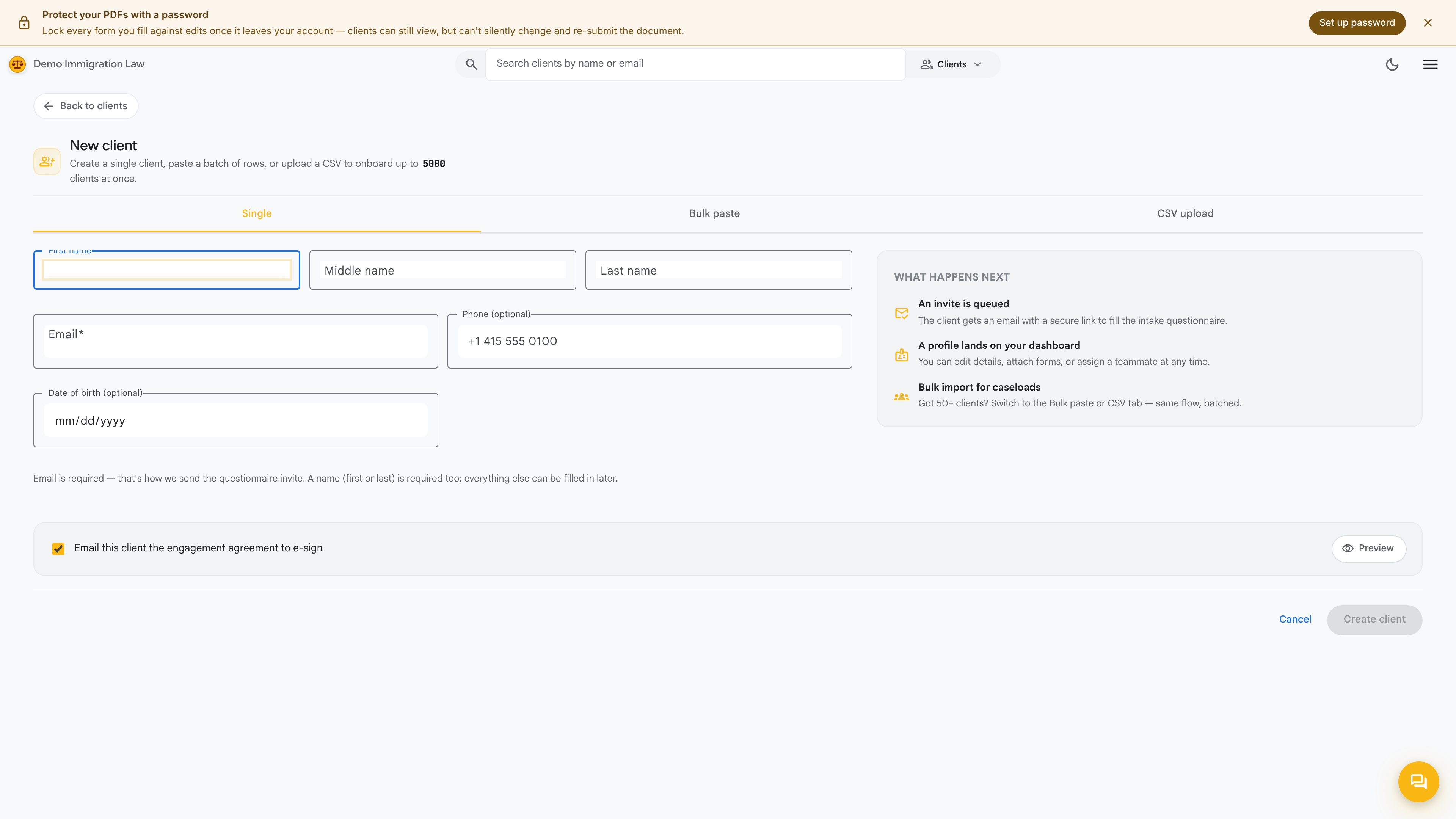
Fill in the minimum to create the record:
- Legal name (given + family)
- Date of birth (optional, but unlocks several forms automatically)
That’s all the create step needs. Everything else can be layered on afterward — or filled in by the client themselves.
The Identity record
Section titled “The Identity record”Once the profile exists, its Identity record is the structured backbone every form reads from. It gathers, in one place:
- Identity — A-Number, SSN, passport details
- Addresses — current, mailing, and prior residences
- Family — spouse, parents, children, each with their own sub-record
- Employment — current and prior, with employer addresses
- Immigration history — entries, visas, and prior filings
- Disclosures — criminal and immigration history
Because every form draws from this one record, filling it in once means the client’s details flow into each filing automatically — no retyping the same address on ten forms.
Sending an intake link
Section titled “Sending an intake link”You can fill the Identity record in by hand, or — far faster — have the client do it. From any client’s profile, click Send intake link.
Fola generates a unique URL you send to the client. They open it in a browser, fill out their information at their own pace, and submit. The intake covers the same fields as the Identity record, plus spots to upload documents.
Watching responses land
Section titled “Watching responses land”When the client submits their intake:
- The structured fields land in their Identity record automatically.
- Any documents they uploaded attach to their profile.
- A review item appears in your My tasks queue.
From there you review what came in, correct anything that needs it, and the client is ready to drive a real filing.
What’s next
Section titled “What’s next”You have one client in the system with a complete Identity record. Next, make sure the workspace carries your firm’s brand end to end.
Was this page helpful?
Thanks — noted.