

Activity log
The Activity log is your firm’s audit trail: a running record of who did what, and when, across the workspace. It’s where you answer “who changed this?” and “when did that happen?” without guessing.
Open Administrative → Activity log.
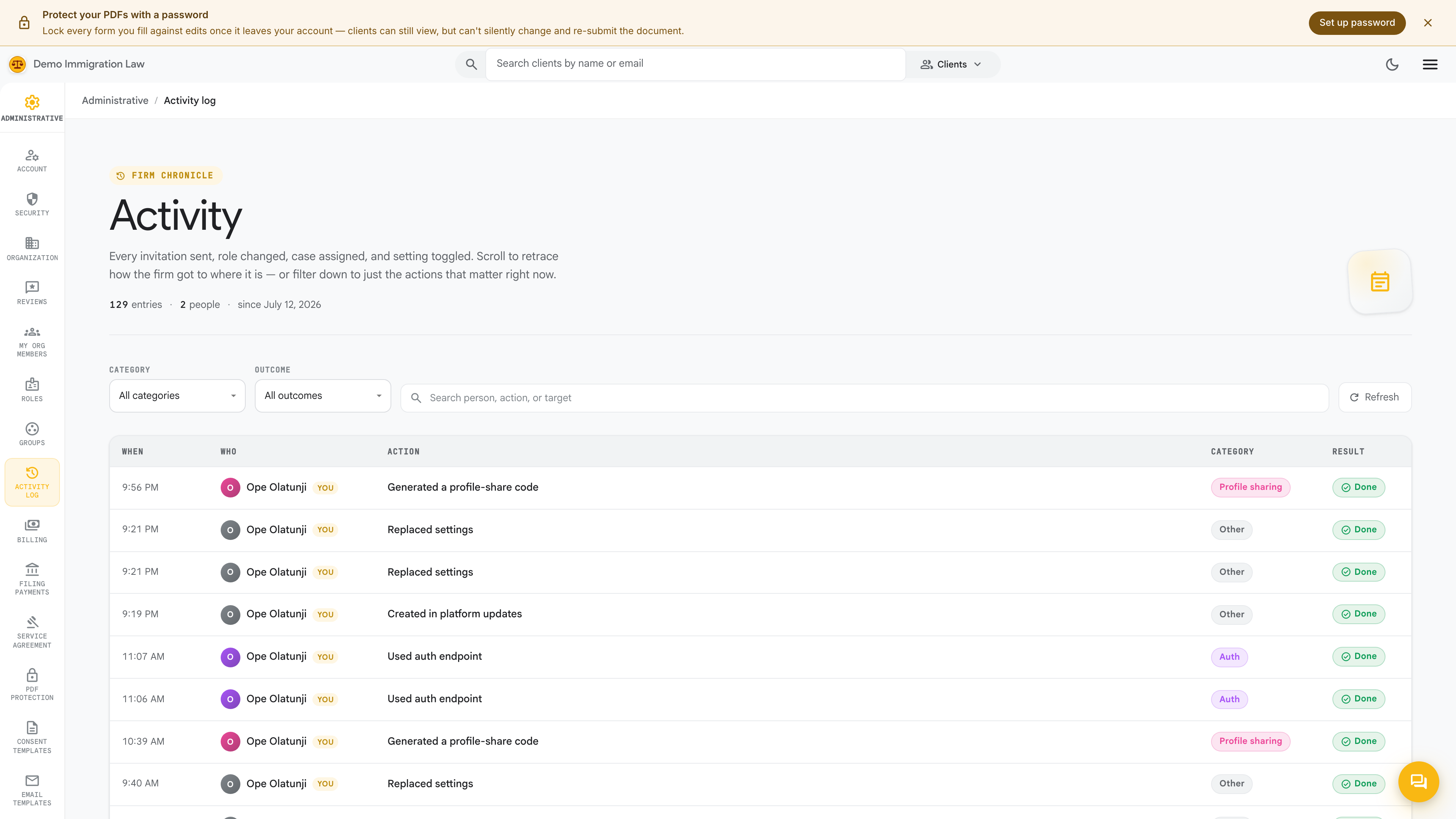
What’s recorded
Section titled “What’s recorded”The log captures the firm-wide actions that matter for accountability, including:
- Access changes — invites, role changes, group membership, and removals.
- Member and credential edits — profile and credential updates, including admin edits made on someone’s behalf.
- Brand and settings changes — organization details, templates, filing payments, and PDF-protection updates.
- Client and case activity — the significant actions taken on clients and filings.
- Security events — sign-in-related changes tied to member accounts.
Each entry records who performed the action, what they did, and a timestamp, newest first.
Filtering
Section titled “Filtering”Narrow the feed to find a specific event — filter by the person who acted, the type of action, or a date range. That turns “something changed last week” into the exact entry, actor, and time.
Firm-wide vs. per-client
Section titled “Firm-wide vs. per-client”This page is the firm-wide log — every actor, across the whole workspace. Each individual client also has its own activity view scoped to that one client, which is the better place to look when your question is about a single case rather than the firm as a whole.
Who can see it
Section titled “Who can see it”The Activity log is a firm-wide audit surface, so it’s available to owners and admins. Because access changes are themselves recorded here, the log is self-documenting — you can always see who was granted or revoked what, and by whom.
Was this page helpful?
Thanks — noted.