

Service agreement
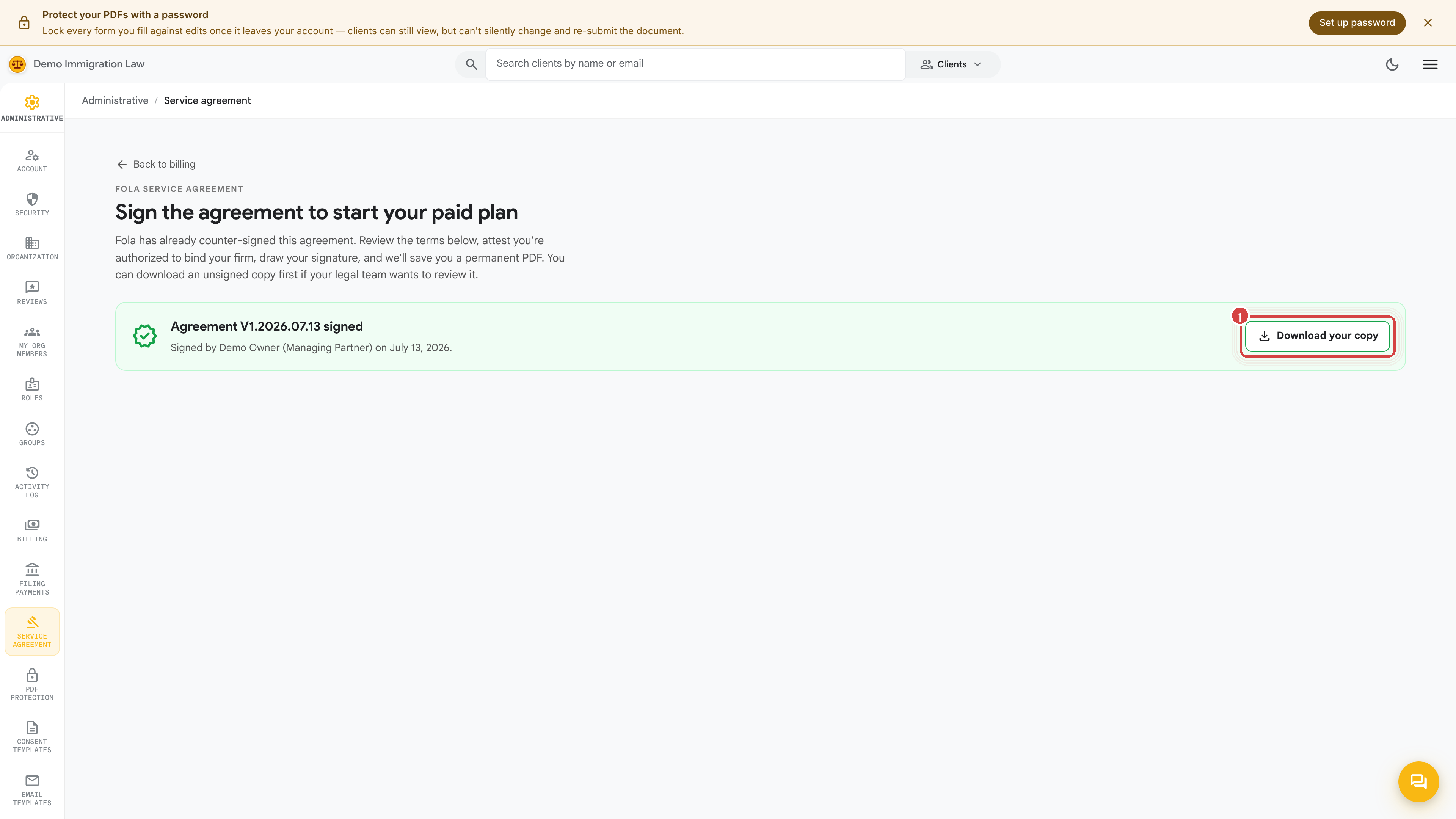
The Service agreement page holds your firm’s client service agreement — the contract your clients agree to when they engage your firm. This page is where you edit that document, review an unsigned copy, and control how it reaches clients for signature.
Open Administrative → Service agreement.
Editing the agreement
Section titled “Editing the agreement”The agreement is your firm’s own text. Edit it here to match your engagement terms, scope of work, and fee language. It supports merge fields so a client’s name and case details drop in automatically when the document is presented — you write the template once and every client gets a personalized copy.
Download the unsigned PDF
Section titled “Download the unsigned PDF”Before you put the agreement in front of clients — or when your own legal team wants to review the wording — use Download unsigned PDF at the top of the page. It’s the same document with the client-signature slot left empty, so you can circulate it for review or keep a clean copy on file.
How clients sign it
Section titled “How clients sign it”When a client needs to sign, the agreement is presented to them and captured with a drawn signature on a canvas pad — the client signs with a mouse, trackpad, or finger on a touchscreen. Once signed, the completed PDF is saved to that client’s Documents and bound to that specific client, so you always have a record of exactly what they agreed to and when.
Keeping versions straight
Section titled “Keeping versions straight”When you edit the agreement, new signings use the updated text. Agreements a client already signed stay frozen as the version they agreed to — editing the template never changes a document a client has already executed.
Was this page helpful?
Thanks — noted.