

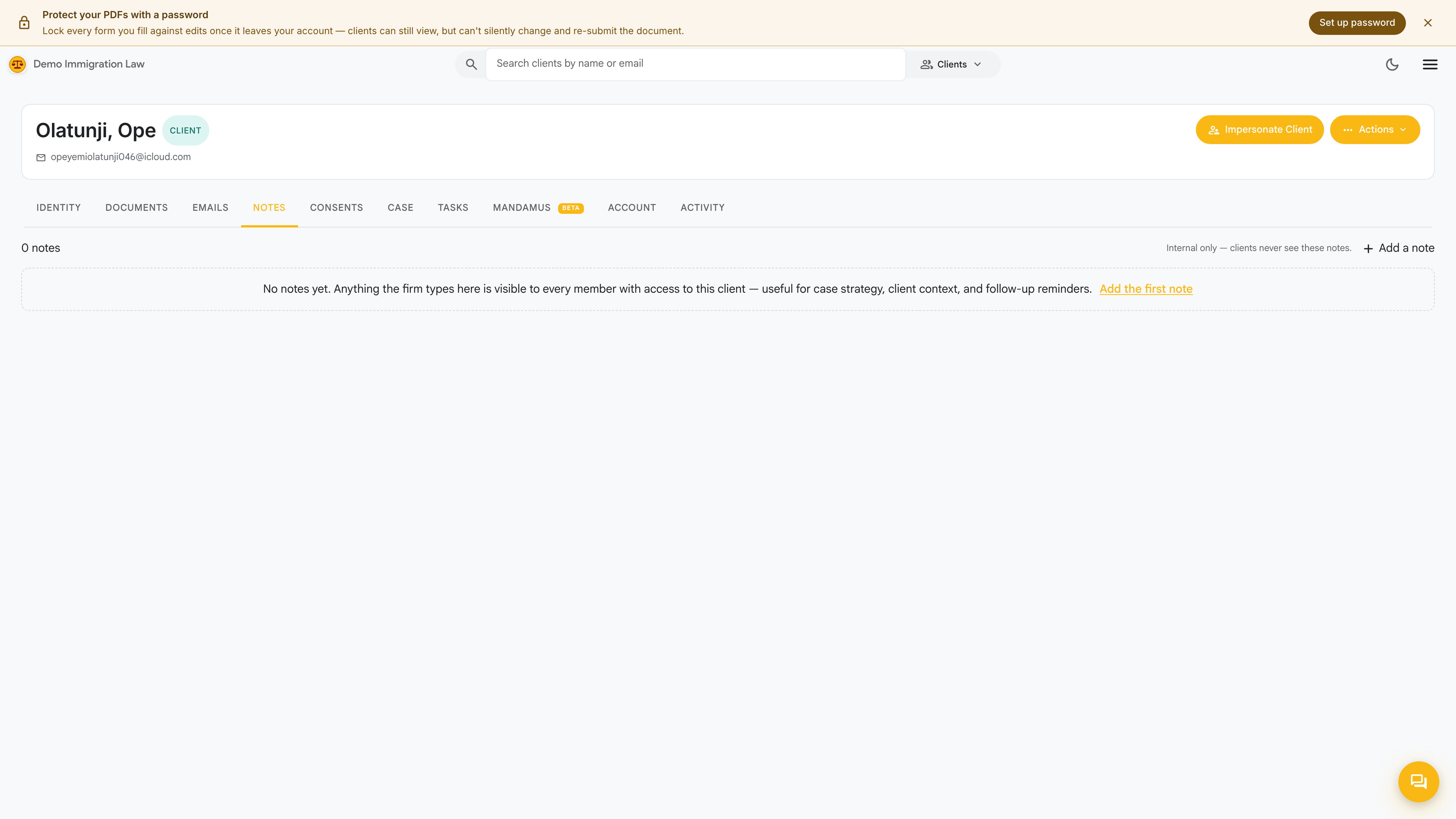
Notes tab
The Notes tab is a working scratchpad for everything you and your team need to remember about this client that doesn’t belong in the formal record. Notes never appear on a form and are never shown to the client.
What notes are for
Section titled “What notes are for”Good candidates:
- Phone-call summaries. “Spoke with Maria 5/14 — confirmed she’s filing the I-130 herself rather than having us file.”
- Client preferences. “Prefers Spanish for written correspondence; English is fine on calls.”
- Open questions. “Follow up on whether the 2018 entry was a B-2 or visa-waiver — passport shows both stamps.”
- Strategy decisions. “Family decided to wait on the I-485 until her 1040-X is processed — recheck Q4.”
What notes are NOT for
Section titled “What notes are NOT for”A few things to keep off the Notes tab:
- Anything you want a form to read. Identity-level facts — a new address, an updated employer — go on the Identity tab so the next form fill picks them up.
- Client-facing messages. Correspondence belongs on the Emails tab, where there’s a delivery record.
- The formal timeline. Notes are timestamped, but the Activity log is the audit trail. If you need to prove “we knew X by date Y”, let the Activity log do the work.
How notes work
Section titled “How notes work”Each note is timestamped with who wrote it and when. You can:
- Pin important notes to the top
- Edit a note (the original is preserved as a revision — click the small history icon to see prior versions)
- Delete — soft-deletes for a grace window, then permanent
Was this page helpful?
Thanks — noted.